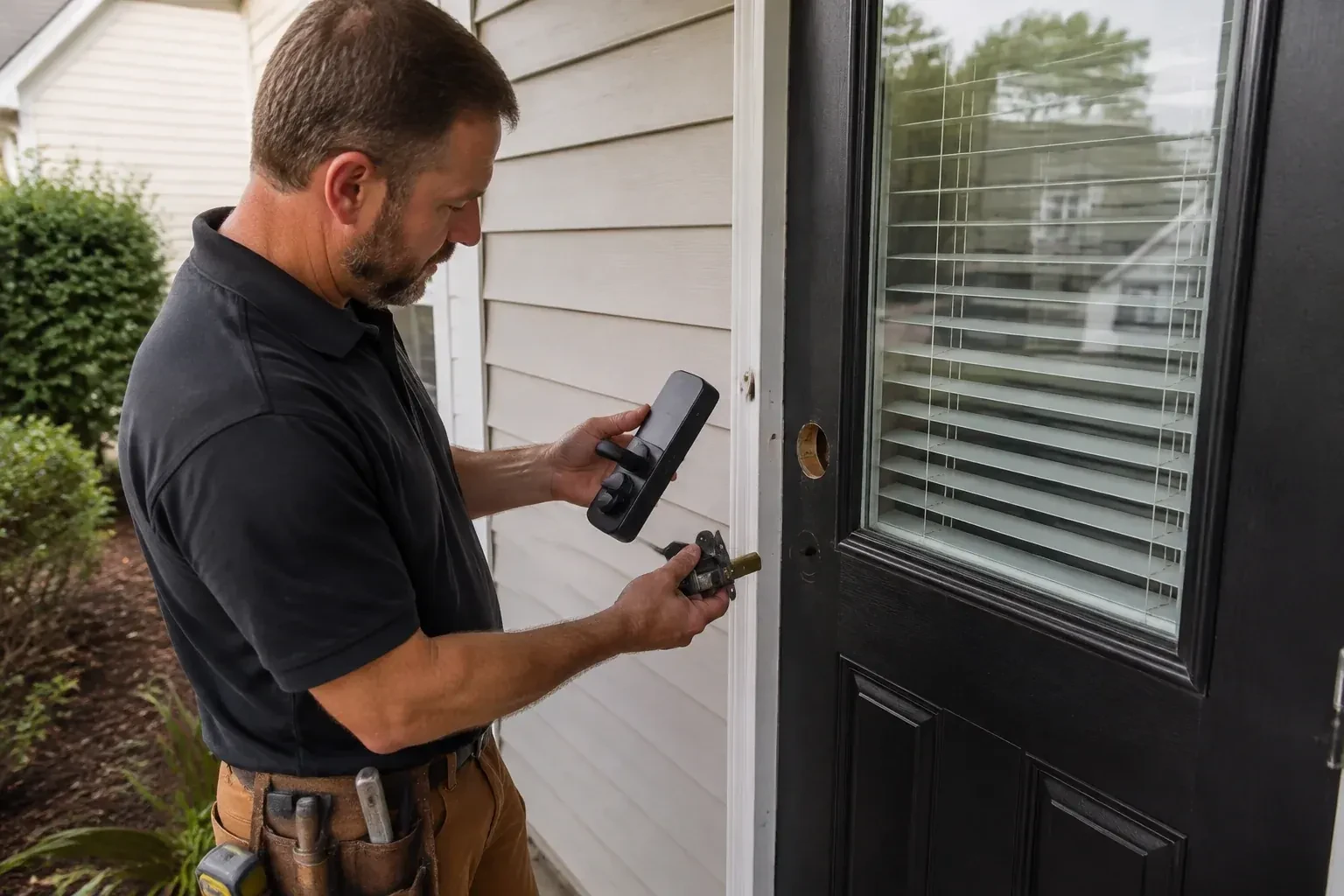
Change or rekey · Oshawa
Smart Lock Installation
Arthritis has made the small house key hard to grip and turn, especially with gloves on in January.
In plain words
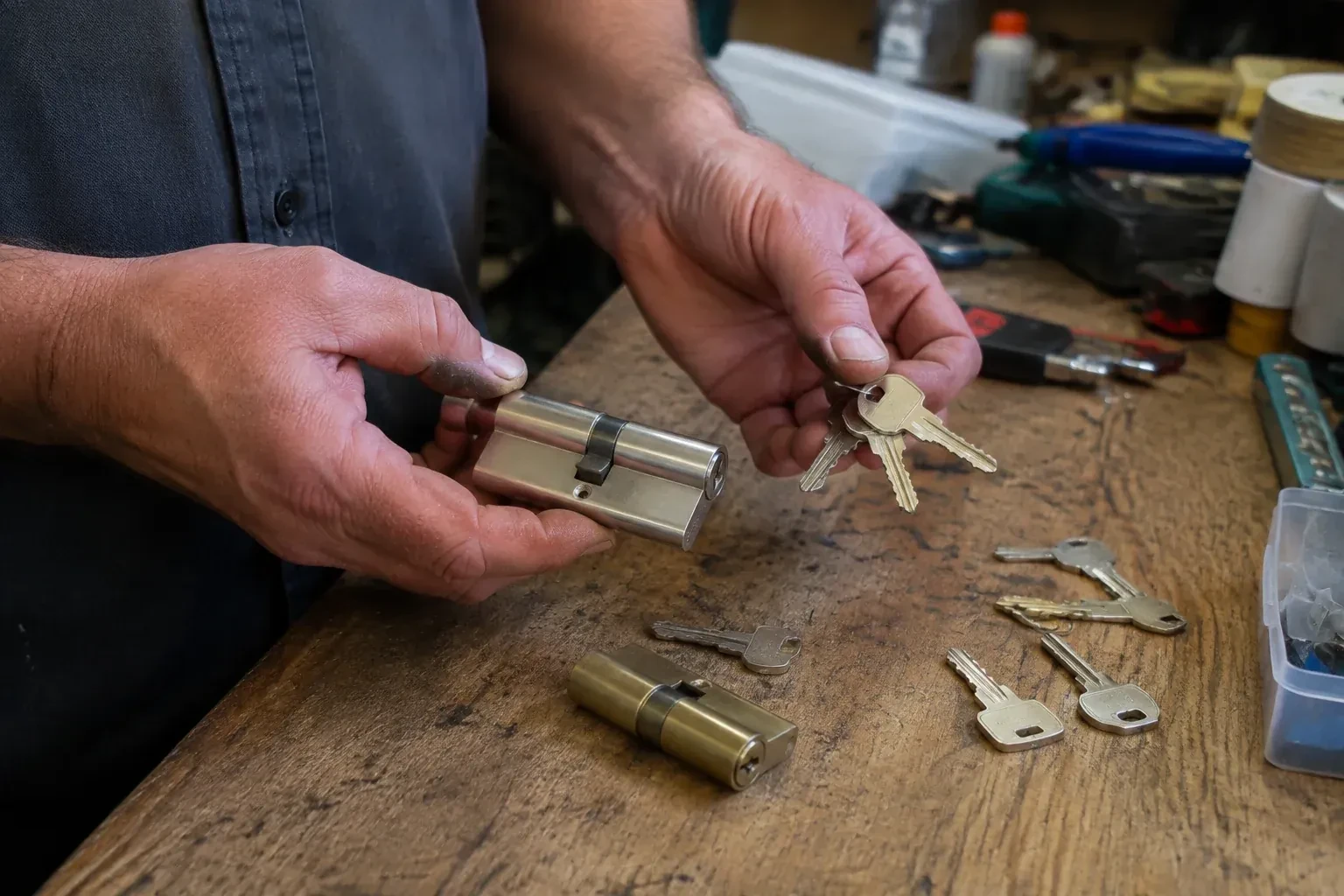
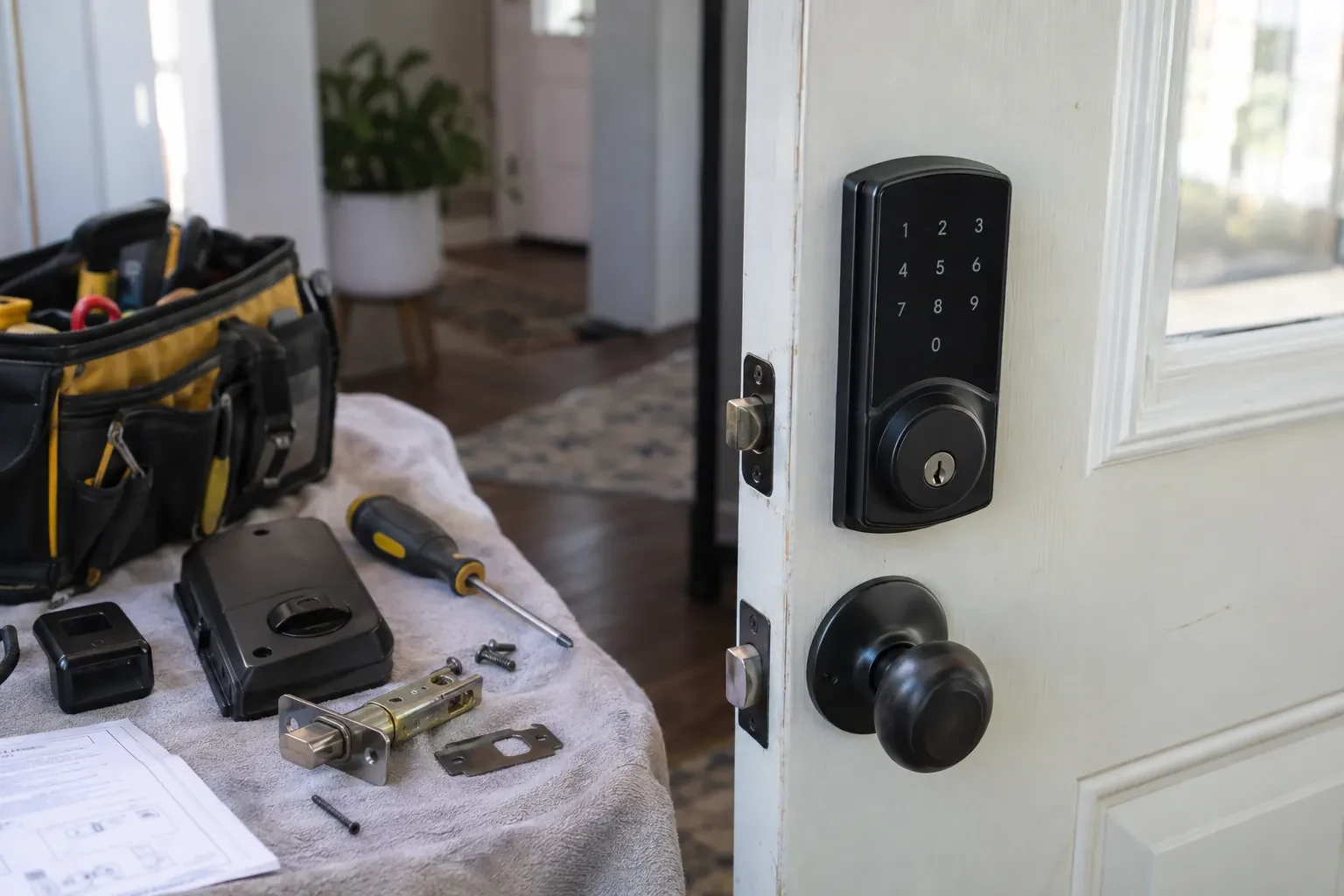
A smart lock fitted by a locksmith keeps a way in that works when the battery or network fails, a mechanical key on many models or an external battery contact on key-free ones. Most keypad deadbolts keep a conventional keyway, rekeyed during the visit so a fresh key operates it and the old one retires. Some models instead add small outside terminals where a nine-volt battery can wake a dead lock long enough to enter a code. The technician tests whichever route the model provides, shows the low-battery warning, and explains what the lock does if the internet goes quiet.
How the visit goesThere are four copies of the front-door key floating around: one with the cleaner, one with a neighbour, one on a hook at your parents' place, and one you honestly cannot account for. You would rather hand out codes you can switch off.
Smart Lock Installation
How the visit goes
Who controls the door
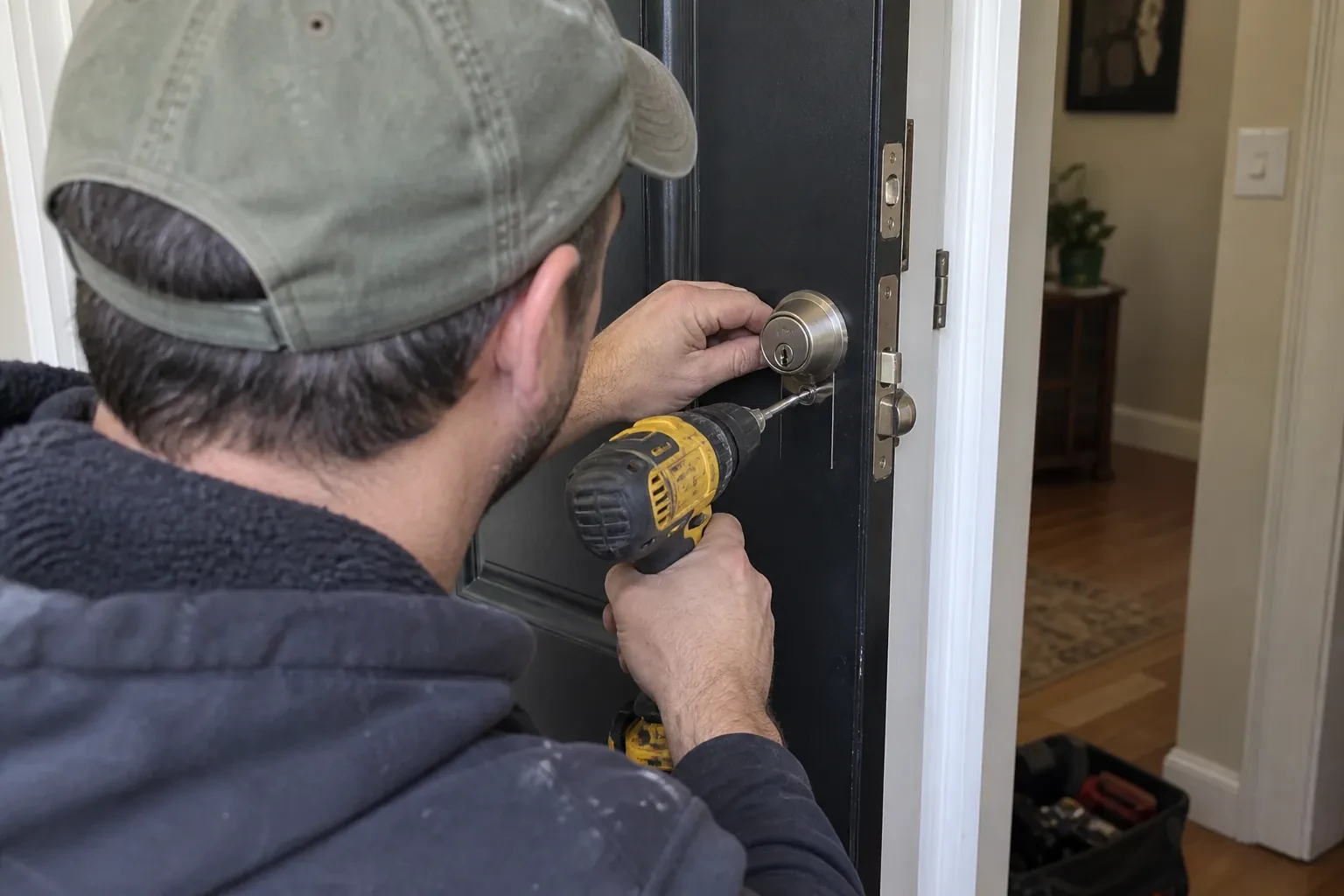
A smart lock hands out access, so the visit begins by confirming who is entitled to grant it. For an owner that is photo identification and a link to the address; for a tenant it also means the landlord has agreed to the change, since in a rental both parties need a working way in. Where a property manager or a family member is arranging the work on someone else's behalf, the locksmith asks for that person's go-ahead as well. When a used smart lock is being taken over, the check extends to the account behind it, which must be released by whoever set it up. Ten minutes of paperwork here keeps everyone's access legitimate.
Setting it up under your name
Programming happens on your phone, not the technician's. You download the maker's app, create the account with your own email, and the lock is enrolled to it while the locksmith guides each step. Default and factory codes are removed. A personal code is created for each household member, and where the model allows, scheduled or temporary codes for a cleaner, a contractor or a visiting relative. Auto-lock delay, keypad sounds, one-touch locking and notification preferences are set to match how the household answered earlier. If Wi-Fi or a hub is part of the plan, the lock is joined to it and any waiting firmware update is applied before testing. The technician leaves with no codes and no login.
A written record without your secrets in it
The visit closes with a plain note of what was done: the model fitted, the door corrections made, whether the strike was reinforced, which override cylinder was rekeyed and how many keys were cut, and which other doors were brought onto the same key. What the note never contains is a code, a password or a login; those exist only on your account and in your head. For a tenant, that record is the thing to share with a landlord so both sides know what hardware is on the door and that a working way in exists. For an owner, it simply goes in the folder with the house documents.
Smart Lock Installation
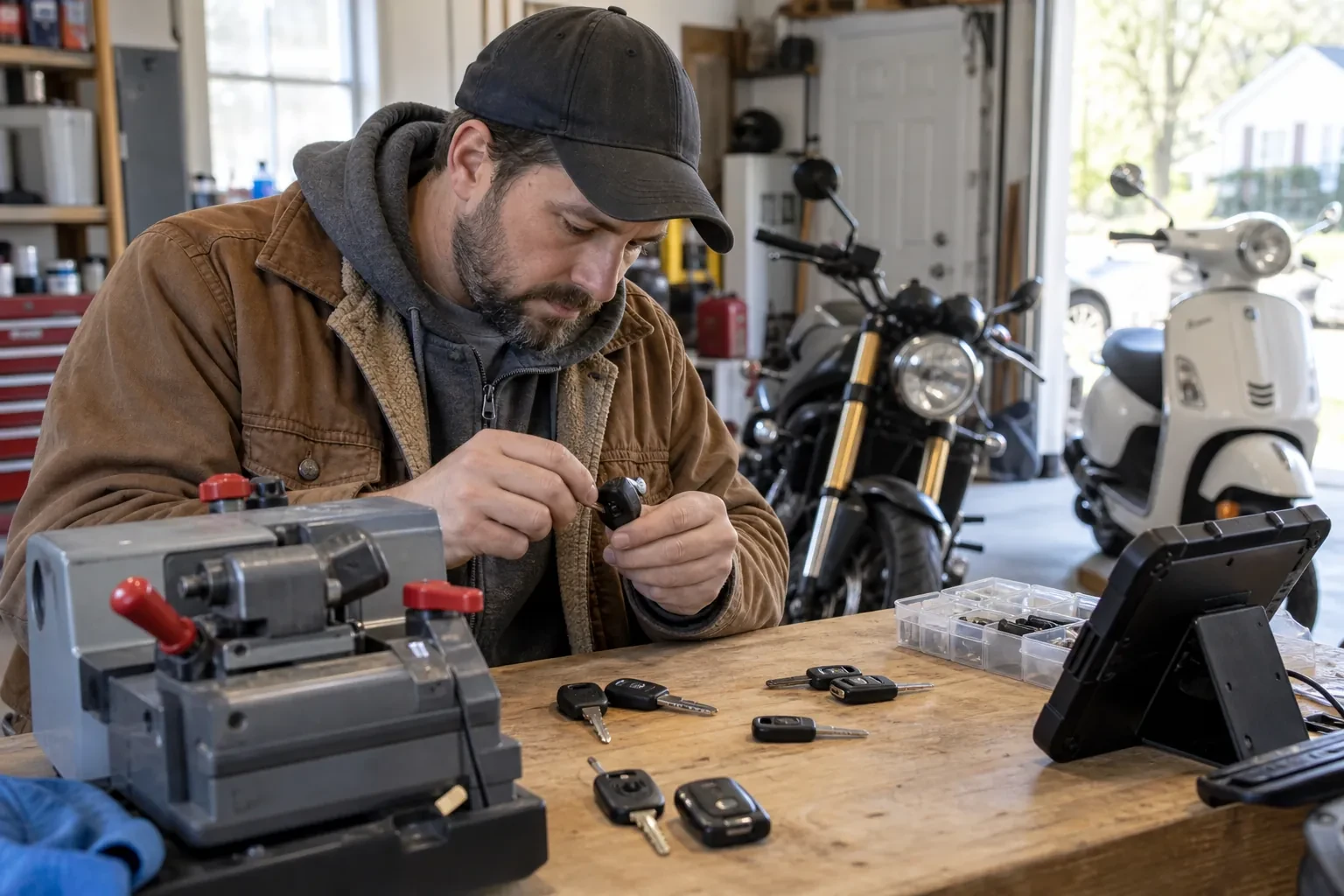
In the van
Smart deadbolt or smart lever set
Adjustable-backset bolt and faceplate
Door-position sensor magnet
Hinge shims and long hinge screws
Manufacturer-specified batteries
Smart Lock Installation
What affects the quote
Network setup
Joining the lock to Wi-Fi, adding a bridge because the signal at the door is weak, or pairing with an existing hub is setup time and sometimes an extra device, and appears in the quote as such.
Reinforced strike and security hardware
A box strike with long screws is part of a sound installation and is listed as a part. A wrap-around door reinforcer or a hinge upgrade is offered where the door would benefit, as a separate option.
Taking over an existing smart lock
Resetting, re-enrolling and cleaning the permissions on a lock that came with the property is a different job from fitting new hardware: less cutting, more account work, and it is quoted on its own footing.
What to have ready
- Should the door lock itself after it closes?
- How strong is the Wi-Fi signal when you stand at that door?
- Roughly how thick is the door?
Smart Lock Installation: questions
QuestionsFingerprint, fob, code or phone: which is worth having?
It depends on who uses the door. Codes suit everyone and need nothing in hand. Fobs or cards are a favourite for children and for anyone who finds small buttons difficult, since a tap does it. Fingerprint readers are convenient for a household of adults but can be fussy with cold, wet or gloved hands in winter, so pair them with a code. Phone control is for whoever wants alerts and remote checks. Most families end up using two of these.
The house came with a smart lock. Can you make it mine?
Yes, and it is treated as a fresh installation rather than a hand-me-down. The lock is reset to factory settings using the maker's procedure, which wipes codes, schedules and paired phones, then enrolled to an account you create. Anything else that could open it, such as a hub or a voice assistant, gets its own check, because those permissions sit outside the lock. The override cylinder is rekeyed, batteries replaced and firmware updated. If the hardware is worn, replacing it is the cleaner choice.
What information should I have ready when I call?
The door's material and rough thickness, what lock is on it now and whether it is a separate deadbolt above a knob or lever, and whether there is a storm door. Say what you want the lock to do: codes only, phone control, alerts, auto-lock. Mention how the Wi-Fi is at the front door if you know, whether you rent or own, and how many people need their own way in. A photo of the inside and outside of the existing lock is a real help.
Related services
- Deadbolt InstallationThe front door has a handsome lever and a keyed knob, and that is all.
- Lock Replacement & UpgradeEvery morning the front door key needs the same little dance: push in, lift, wiggle, turn.
- Vintage Mortise Lock ServiceThe interior bedroom doors on the second floor have the original mortise latches, and none of them close any more.